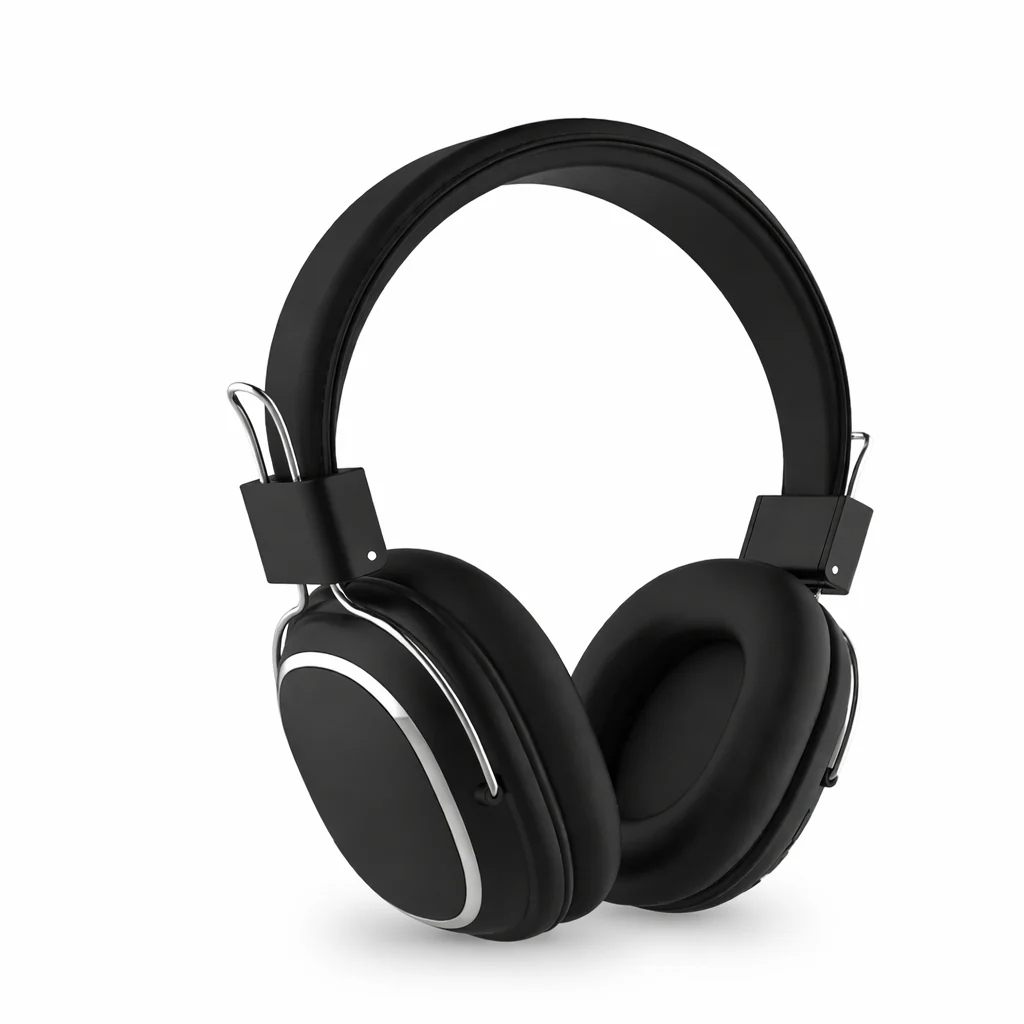
Foldable Wireless Bluetooth 5.3 Headphones with Mic Stereo Over Ear Wired Option
Foldable Wireless Bluetooth 5.3 Headphones with Mic Stereo Over Ear Wired Option
Intro
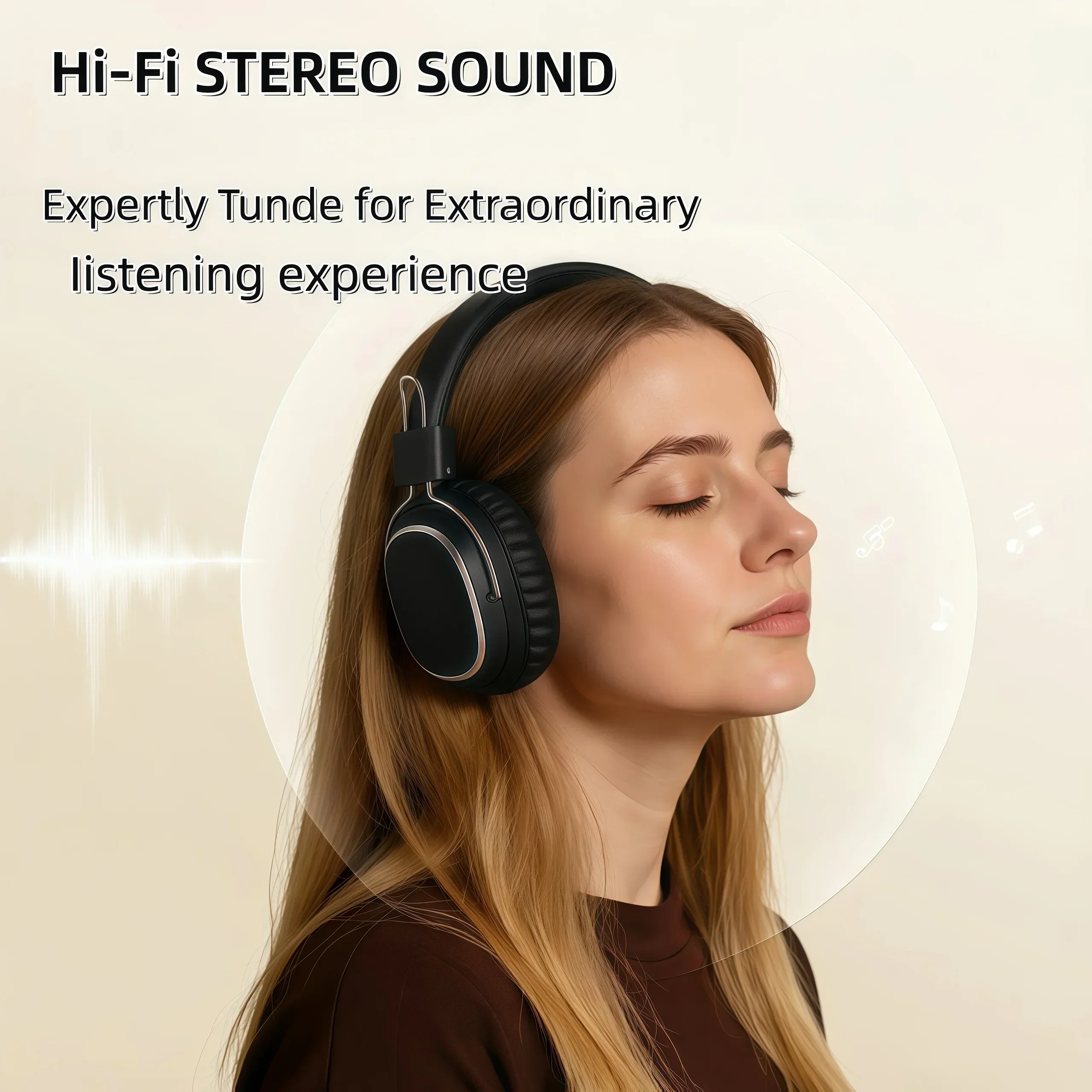
Experience crisp stereo sound with foldable wireless headphones designed for comfort, versatility, and all-day listening. Enjoy Bluetooth 5.3 connectivity, wired backup, and clear voice calls in a lightweight over-ear design.
Key Features
-
Bluetooth 5.3 Stable Connection
Fast pairing and low-latency audio for music, gaming, videos, and calls. -
Foldable Over-Ear Comfort
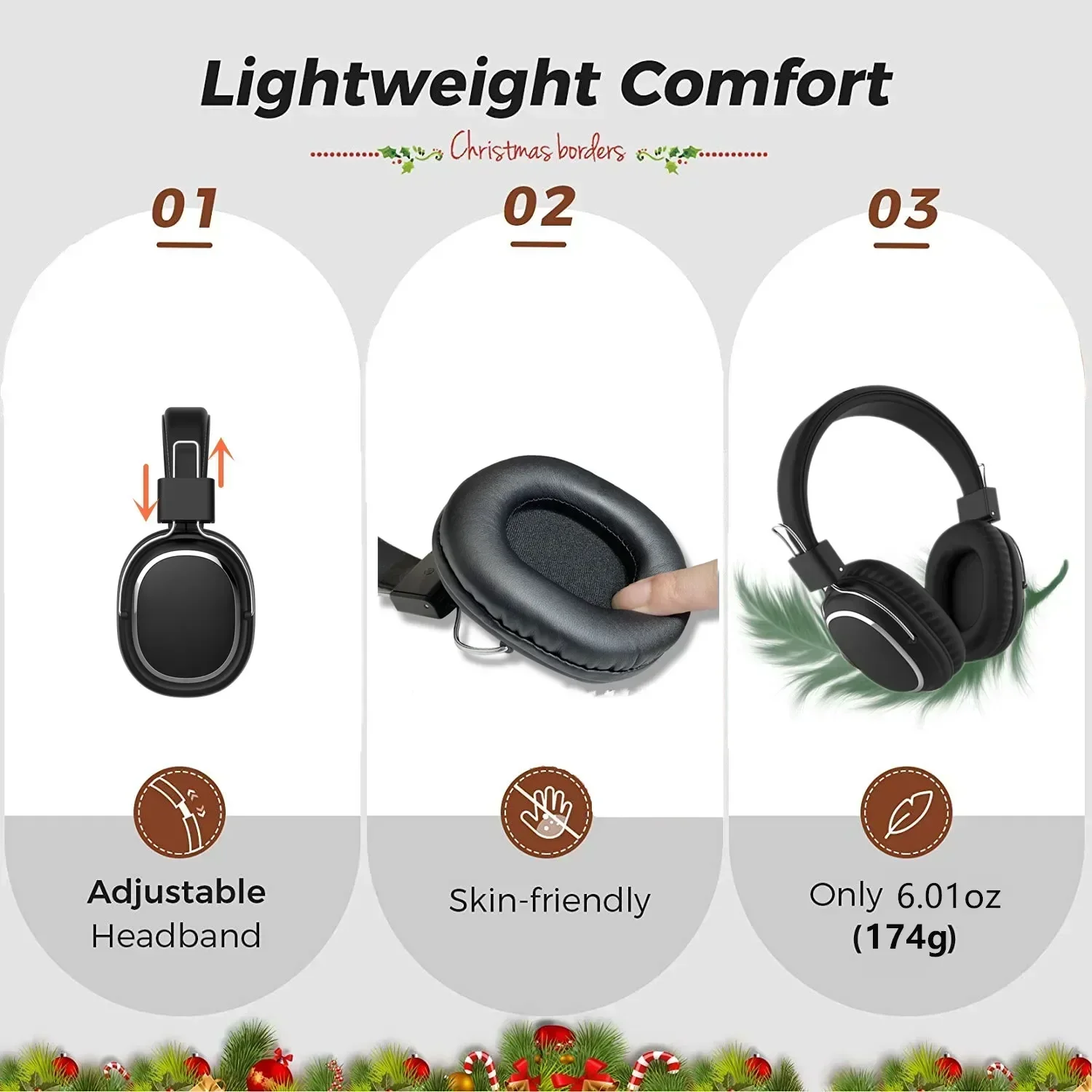
Soft ear cushions and an adjustable headband allow extended wear without fatigue. -
Wireless and Wired Listening
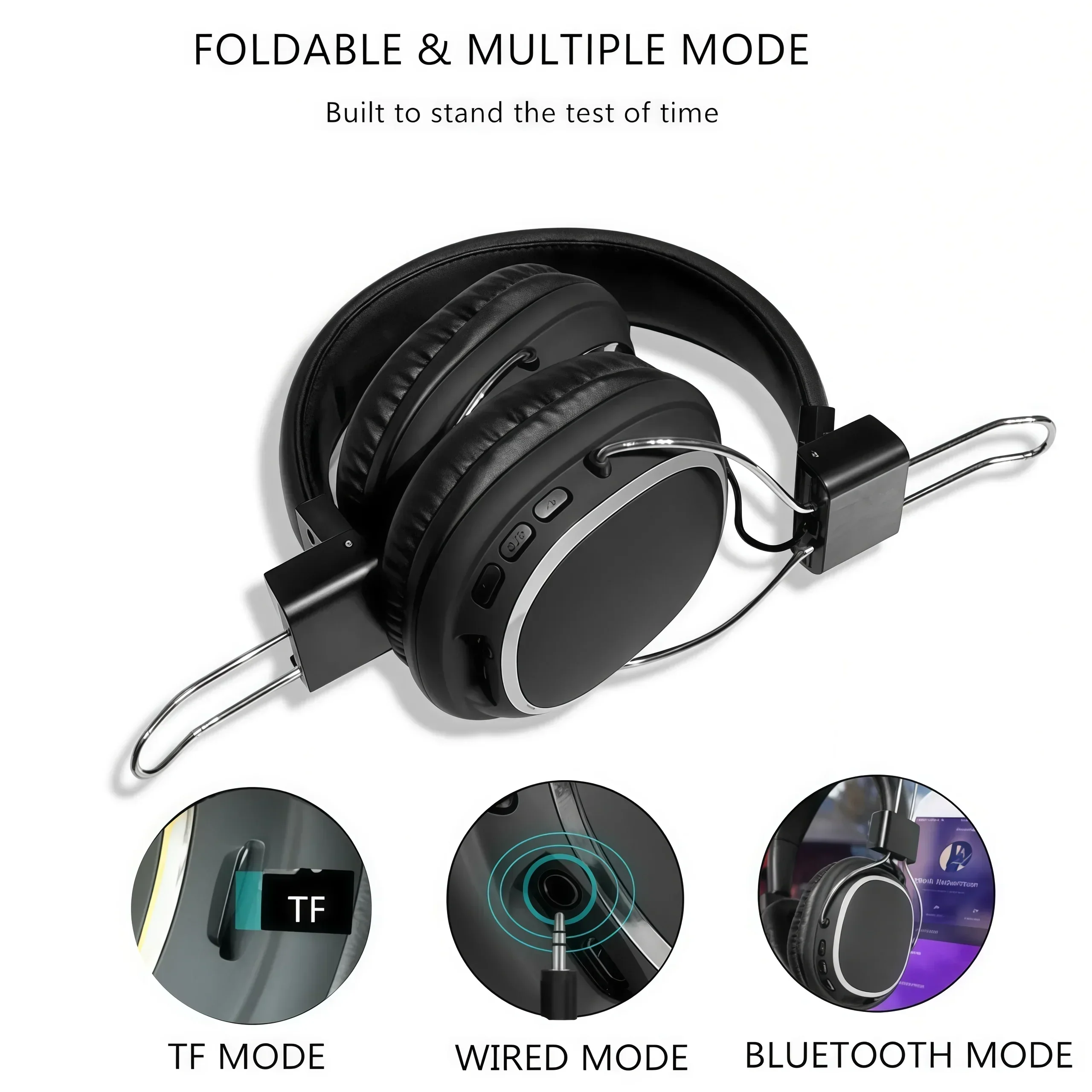
Switch between Bluetooth mode or the included 3.5mm cable for uninterrupted audio. -
Built-In HD Microphone
Provides clear voice transmission for calls, meetings, and online classes. -
TF Card and AUX Support
Play music directly from a TF card or connect to devices without Bluetooth. -
Long Battery Life
Designed for daily use with hours of continuous playtime on a single charge.
Where It Works Best
- Office Desks – Work calls, meetings, and focused productivity
- Home Study Rooms – Online classes, tutorials, and quiet study sessions
- Gaming Setups – Immersive audio for casual gaming
- Travel and Commuting – Lightweight and foldable for easy portability
- Living Rooms – Relaxed music listening and entertainment
Specifications
- Product Type: Wireless Bluetooth Headphones
- Material: ABS + Soft Cushion Ear Pads
- Power Source: Rechargeable Battery (USB Charging)
- Connection Options: Bluetooth 5.3 / 3.5mm Wired / TF Card
- Microphone: Built-in HD Mic
- Features: Foldable Design, Stereo Sound, Wireless + Wired Modes
- Dimensions: Standard Over-Ear Size (Adjustable Headband)
- Recommended For: Daily Listening, Work Calls, Study, Travel, Entertainment
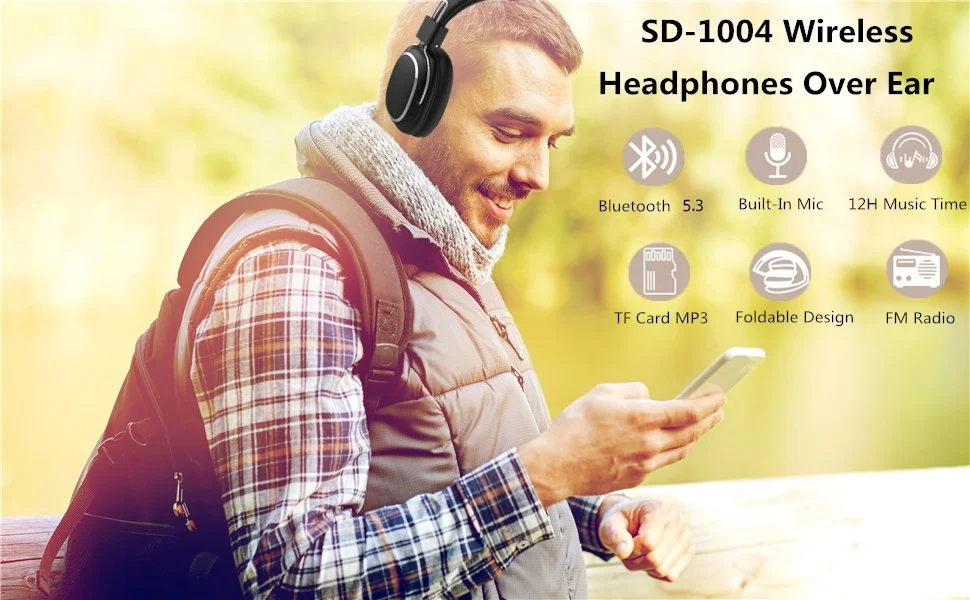
Bluetooth Headphones Over-Ear, Foldable Lightweight Wireless Headphones Hi-Fi Stereo with Built-in HD Mic, FM, SD/TF for Cell Phone/PC/Home
Product Main Features
1. Impressive HD HiFi Stereo Sound
2.Lightweight and no burden
3.Over Ear Comfort
4.Wireless And Wired Dual Working Modes
5.TF card Support
6.Built-in FM
7.Quick Control Over Music & Call
Feature:
Model Number:SD-1004
Style:Headband, over-ear
Communication:Wireless/Wired
Speaker:32ohm, 40mm
Microphone:Built-In
Charging port: Type-C
Connectors:3.5mm
Function:Bluetooth/Microphone/Hands-free phone calls/TF/FM/AUX-IN
Bluetooth Standard:Bluetooth v5.3
Input DC: 5V
Support:HFP/HSP.A2DP/AVPCP
Playing time:12hours
BT Version:V5.3
Charging time:2hrs
Operation range:10meters
In order to reduce power consumption and implement environmental protection, if the headset does not work, it will automatically power off within 180 seconds.
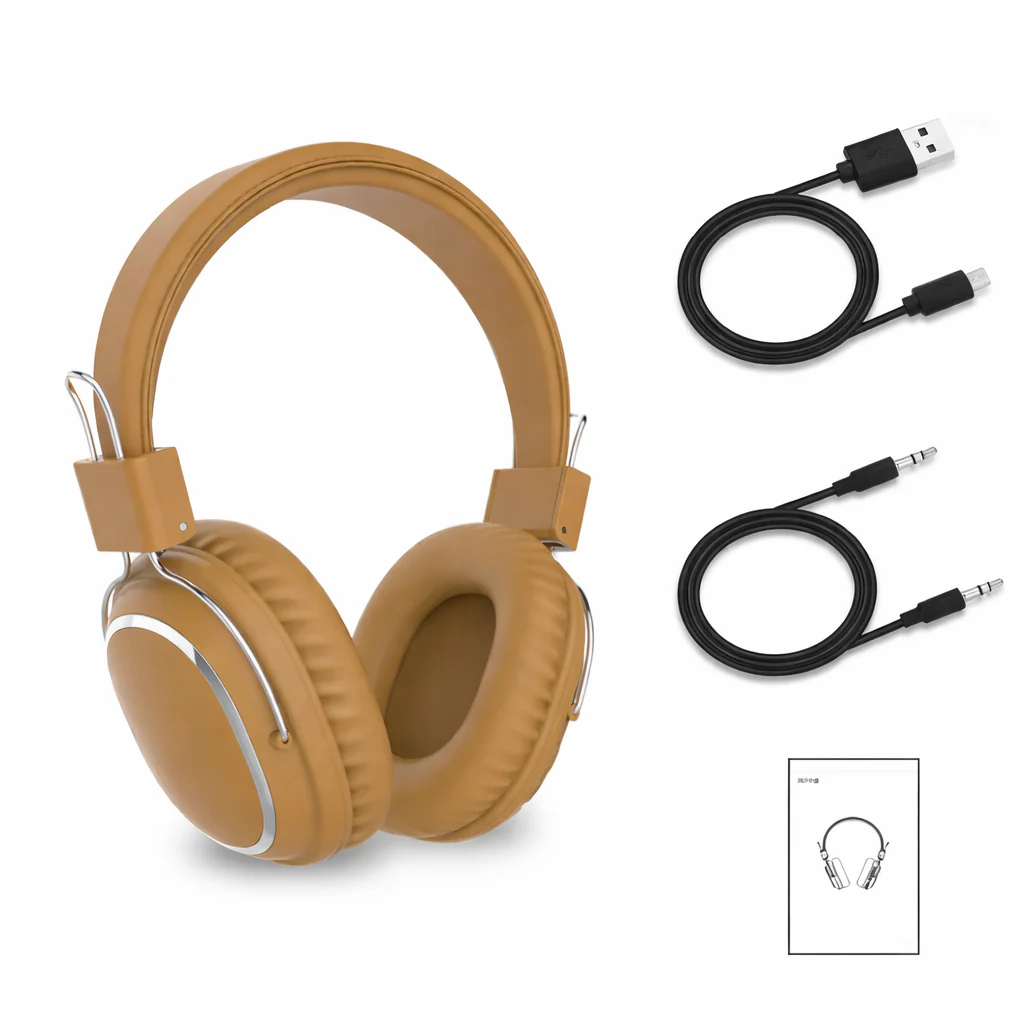
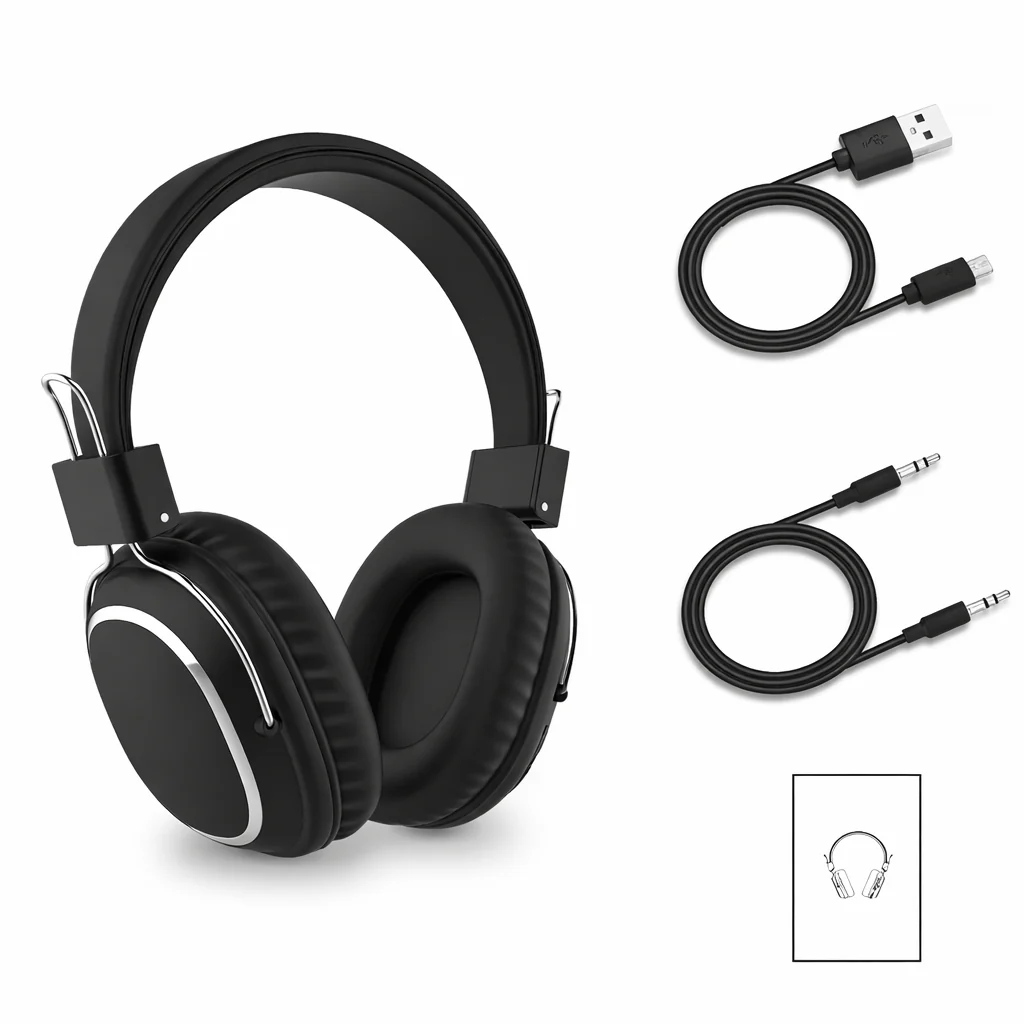
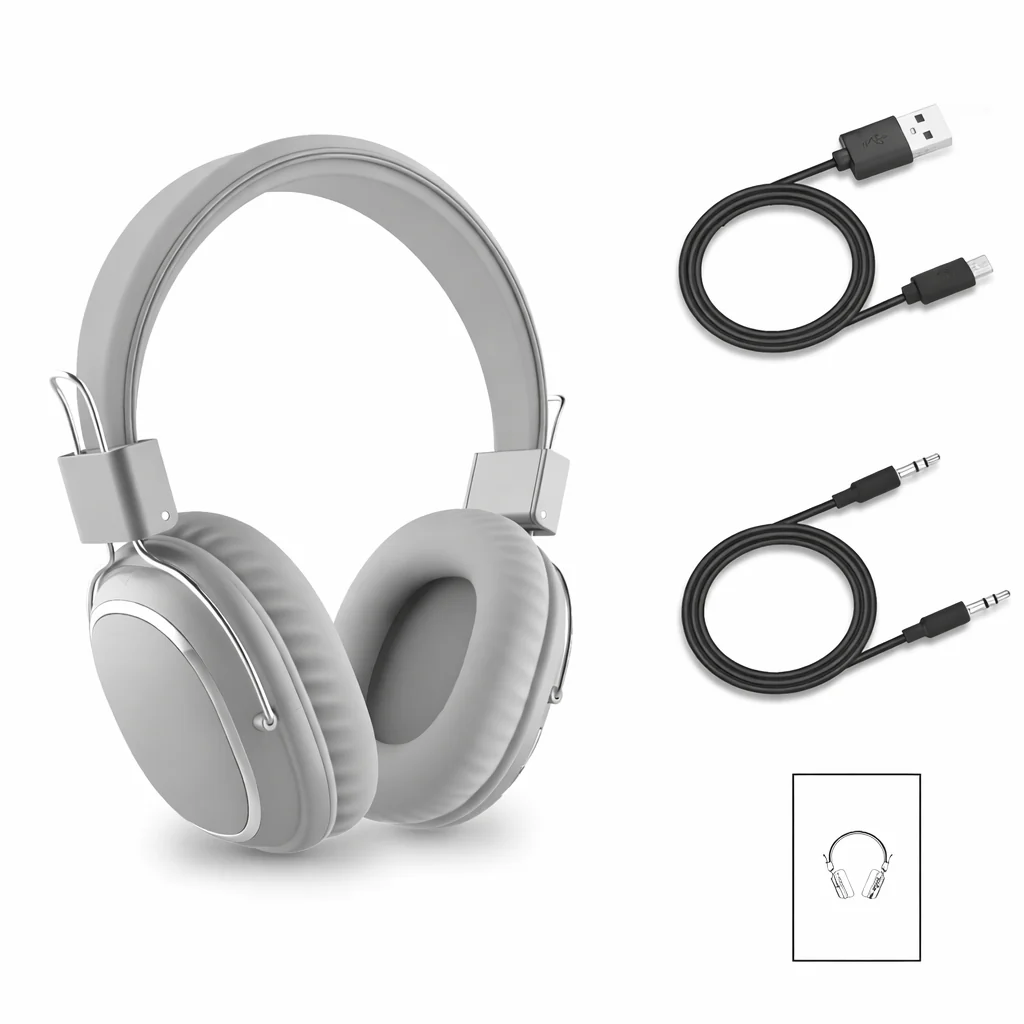
Package include:
1* Bluetooh 5.3 Headset
1* USB Charging Cable
1*3.5mm audio cable
1* User Manual
Please note: the earphones are in an inflatable bag, there is no retail box
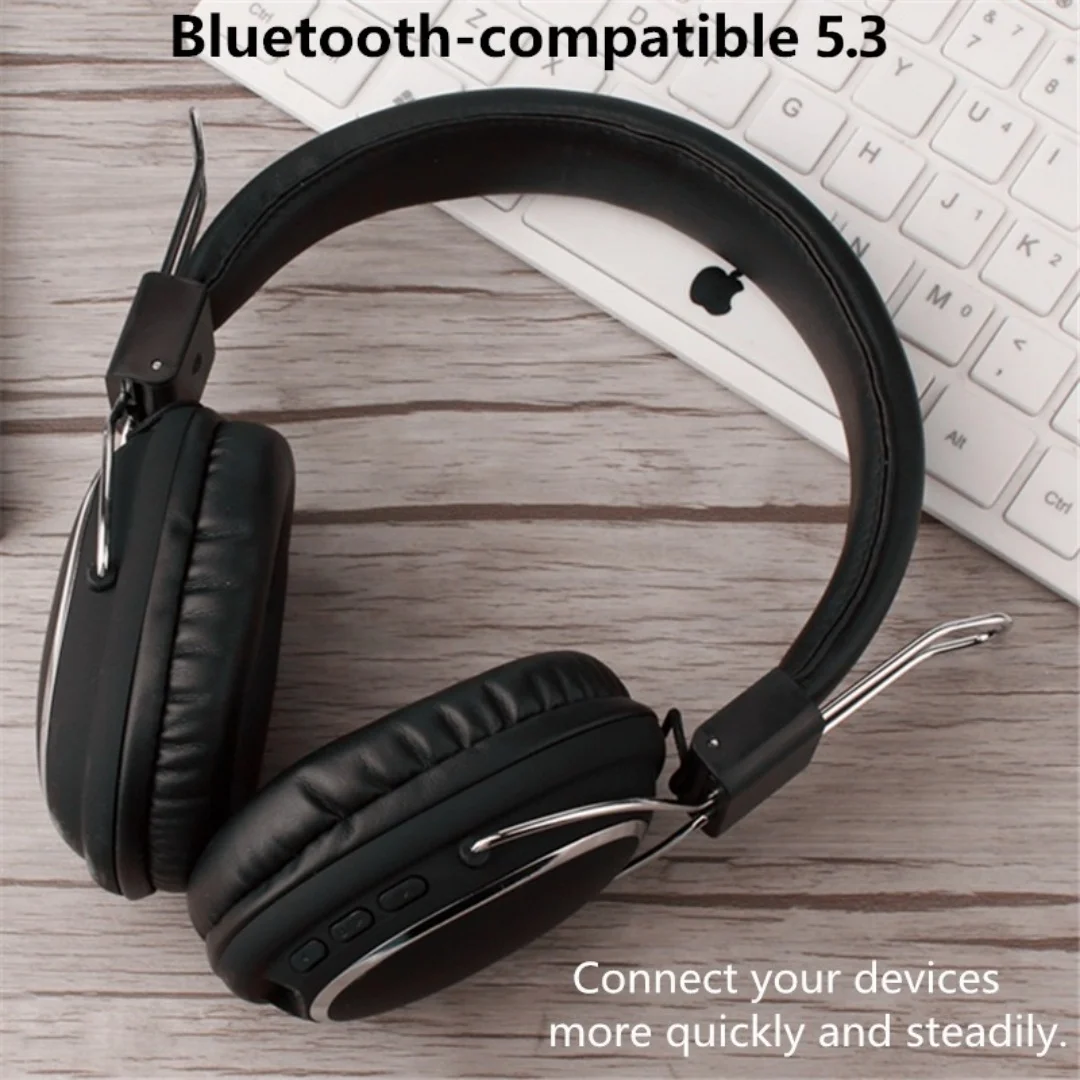


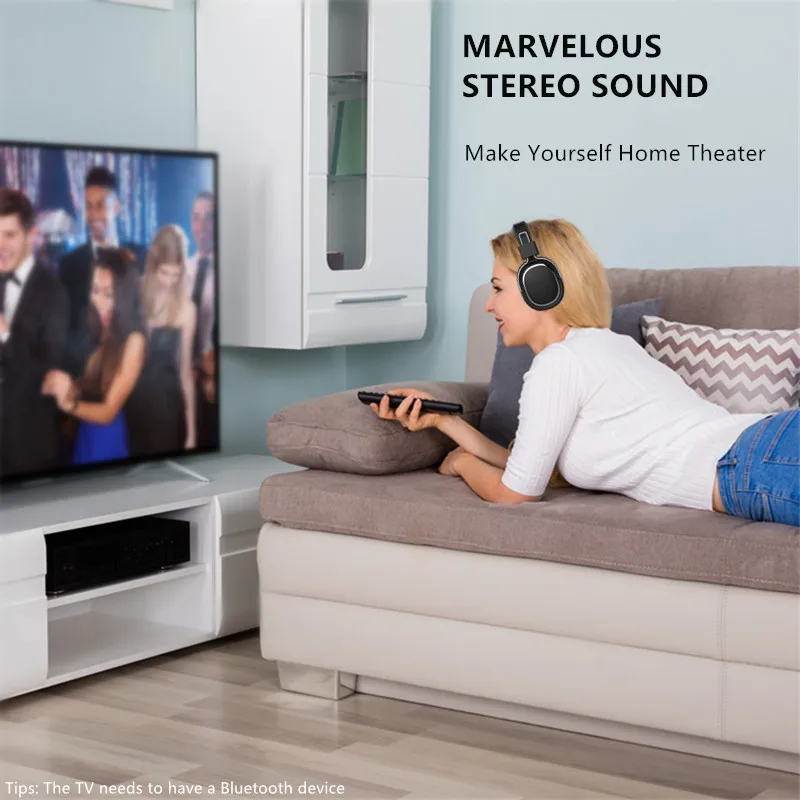

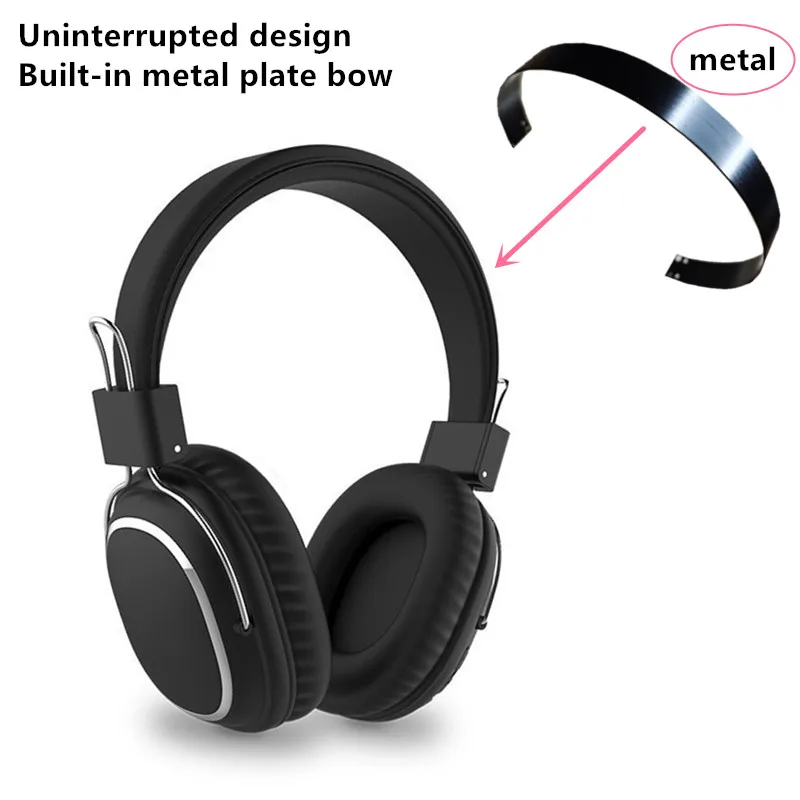
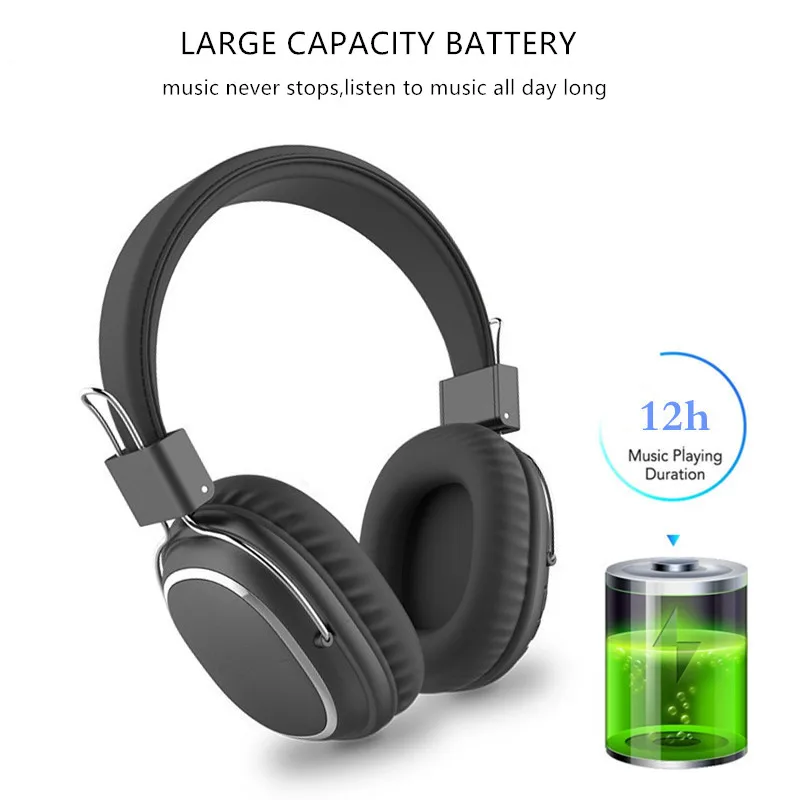





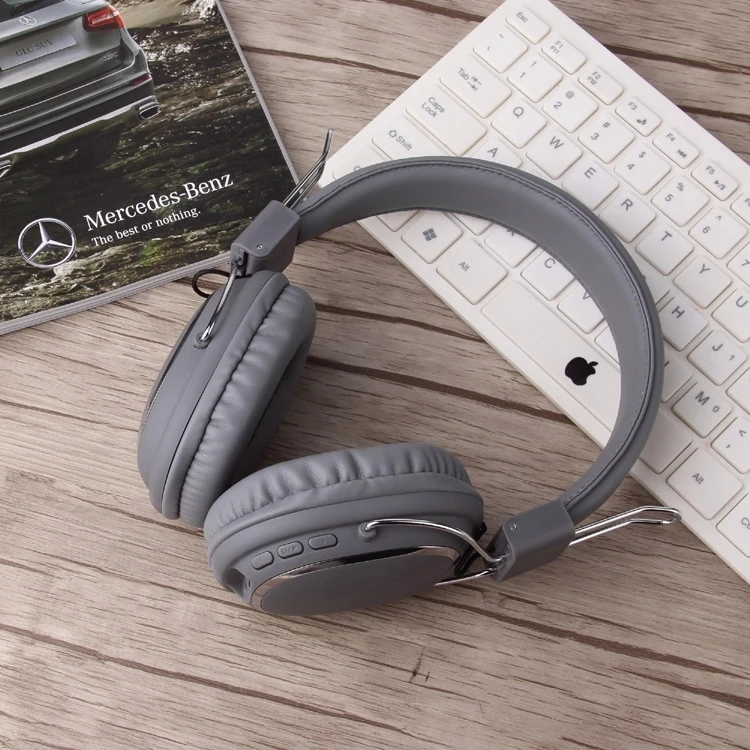


Physical photos
Starting from July 30, 2023, store products will use Fragile Label (SL).
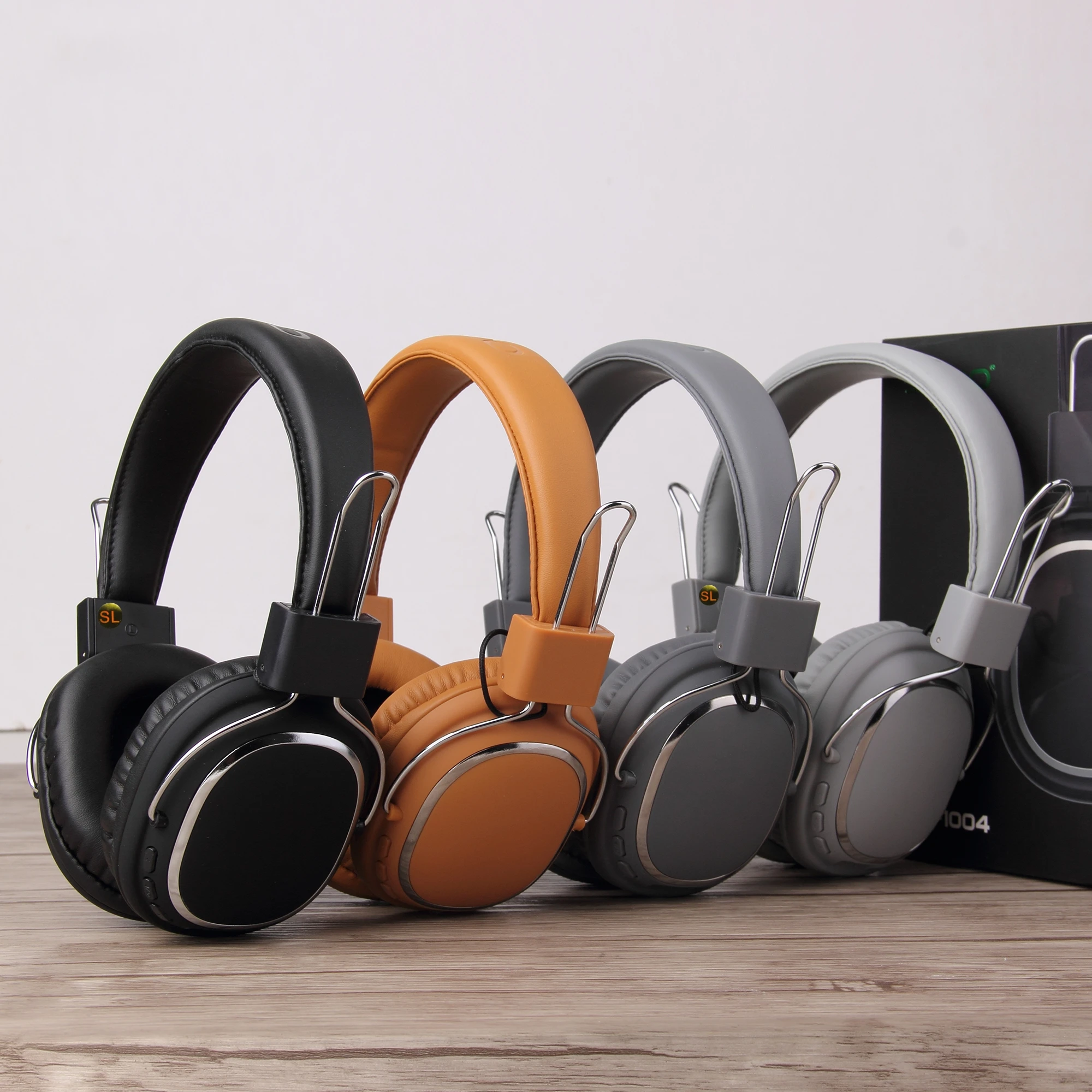
Operation process of Bluetooth connection, FM channel and SD card
FAQ
1. How to operate Bluetooth headset with mobile phone?
One kind. Turn on the Bluetooth on your phone, press the ON/OFF button of the headset, you will see the blue light flashing, and you can pair, search and pair until a connection is established.
b. If someone calls you, you just need to press the "on/off" button to chat with your friends. After the conversation is over, just press the "ON/OFF" button to continue playing music.
2. How to use FM channels
When the headset is turned on; 1. Press the "ON/OFF" button twice to switch FM mode; 2. Press the "ON / OFF" button three times to automatically search for channels, and then wait for the headset to automatically search for about 1 minute: 3. Short press "Volume" +" and "Volume -" to select the radio 4. Long press "Volume +" and "Volume -" to adjust the volume.
3. How to use MP3 function?
Just insert the TF card into the slot to play music directly. (We do not provide TF card)
4. How to use AUX function
Just plug the audio cable directly into the AUX jack to play music on the device. (We do not provide audio cables)

SODO DISPLAY AND PRODUCTION

Original: $79.95
-70%$79.95
$23.98More Images


Foldable Wireless Bluetooth 5.3 Headphones with Mic Stereo Over Ear Wired Option
Foldable Wireless Bluetooth 5.3 Headphones with Mic Stereo Over Ear Wired Option
Intro
Experience crisp stereo sound with foldable wireless headphones designed for comfort, versatility, and all-day listening. Enjoy Bluetooth 5.3 connectivity, wired backup, and clear voice calls in a lightweight over-ear design.
Key Features
-
Bluetooth 5.3 Stable Connection
Fast pairing and low-latency audio for music, gaming, videos, and calls. -
Foldable Over-Ear Comfort
Soft ear cushions and an adjustable headband allow extended wear without fatigue. -
Wireless and Wired Listening
Switch between Bluetooth mode or the included 3.5mm cable for uninterrupted audio. -
Built-In HD Microphone
Provides clear voice transmission for calls, meetings, and online classes. -
TF Card and AUX Support
Play music directly from a TF card or connect to devices without Bluetooth. -
Long Battery Life
Designed for daily use with hours of continuous playtime on a single charge.
Where It Works Best
- Office Desks – Work calls, meetings, and focused productivity
- Home Study Rooms – Online classes, tutorials, and quiet study sessions
- Gaming Setups – Immersive audio for casual gaming
- Travel and Commuting – Lightweight and foldable for easy portability
- Living Rooms – Relaxed music listening and entertainment
Specifications
- Product Type: Wireless Bluetooth Headphones
- Material: ABS + Soft Cushion Ear Pads
- Power Source: Rechargeable Battery (USB Charging)
- Connection Options: Bluetooth 5.3 / 3.5mm Wired / TF Card
- Microphone: Built-in HD Mic
- Features: Foldable Design, Stereo Sound, Wireless + Wired Modes
- Dimensions: Standard Over-Ear Size (Adjustable Headband)
- Recommended For: Daily Listening, Work Calls, Study, Travel, Entertainment
Bluetooth Headphones Over-Ear, Foldable Lightweight Wireless Headphones Hi-Fi Stereo with Built-in HD Mic, FM, SD/TF for Cell Phone/PC/Home
Product Main Features
1. Impressive HD HiFi Stereo Sound
2.Lightweight and no burden
3.Over Ear Comfort
4.Wireless And Wired Dual Working Modes
5.TF card Support
6.Built-in FM
7.Quick Control Over Music & Call
Feature:
Model Number:SD-1004
Style:Headband, over-ear
Communication:Wireless/Wired
Speaker:32ohm, 40mm
Microphone:Built-In
Charging port: Type-C
Connectors:3.5mm
Function:Bluetooth/Microphone/Hands-free phone calls/TF/FM/AUX-IN
Bluetooth Standard:Bluetooth v5.3
Input DC: 5V
Support:HFP/HSP.A2DP/AVPCP
Playing time:12hours
BT Version:V5.3
Charging time:2hrs
Operation range:10meters
In order to reduce power consumption and implement environmental protection, if the headset does not work, it will automatically power off within 180 seconds.
Package include:
1* Bluetooh 5.3 Headset
1* USB Charging Cable
1*3.5mm audio cable
1* User Manual
Please note: the earphones are in an inflatable bag, there is no retail box
Physical photos
Starting from July 30, 2023, store products will use Fragile Label (SL).
Operation process of Bluetooth connection, FM channel and SD card
FAQ
1. How to operate Bluetooth headset with mobile phone?
One kind. Turn on the Bluetooth on your phone, press the ON/OFF button of the headset, you will see the blue light flashing, and you can pair, search and pair until a connection is established.
b. If someone calls you, you just need to press the "on/off" button to chat with your friends. After the conversation is over, just press the "ON/OFF" button to continue playing music.
2. How to use FM channels
When the headset is turned on; 1. Press the "ON/OFF" button twice to switch FM mode; 2. Press the "ON / OFF" button three times to automatically search for channels, and then wait for the headset to automatically search for about 1 minute: 3. Short press "Volume" +" and "Volume -" to select the radio 4. Long press "Volume +" and "Volume -" to adjust the volume.
3. How to use MP3 function?
Just insert the TF card into the slot to play music directly. (We do not provide TF card)
4. How to use AUX function
Just plug the audio cable directly into the AUX jack to play music on the device. (We do not provide audio cables)
SODO DISPLAY AND PRODUCTION
Product Information
Product Information
Shipping & Returns
Shipping & Returns
Description
Foldable Wireless Bluetooth 5.3 Headphones with Mic Stereo Over Ear Wired Option
Intro
Experience crisp stereo sound with foldable wireless headphones designed for comfort, versatility, and all-day listening. Enjoy Bluetooth 5.3 connectivity, wired backup, and clear voice calls in a lightweight over-ear design.
Key Features
-
Bluetooth 5.3 Stable Connection
Fast pairing and low-latency audio for music, gaming, videos, and calls. -
Foldable Over-Ear Comfort
Soft ear cushions and an adjustable headband allow extended wear without fatigue. -
Wireless and Wired Listening
Switch between Bluetooth mode or the included 3.5mm cable for uninterrupted audio. -
Built-In HD Microphone
Provides clear voice transmission for calls, meetings, and online classes. -
TF Card and AUX Support
Play music directly from a TF card or connect to devices without Bluetooth. -
Long Battery Life
Designed for daily use with hours of continuous playtime on a single charge.
Where It Works Best
- Office Desks – Work calls, meetings, and focused productivity
- Home Study Rooms – Online classes, tutorials, and quiet study sessions
- Gaming Setups – Immersive audio for casual gaming
- Travel and Commuting – Lightweight and foldable for easy portability
- Living Rooms – Relaxed music listening and entertainment
Specifications
- Product Type: Wireless Bluetooth Headphones
- Material: ABS + Soft Cushion Ear Pads
- Power Source: Rechargeable Battery (USB Charging)
- Connection Options: Bluetooth 5.3 / 3.5mm Wired / TF Card
- Microphone: Built-in HD Mic
- Features: Foldable Design, Stereo Sound, Wireless + Wired Modes
- Dimensions: Standard Over-Ear Size (Adjustable Headband)
- Recommended For: Daily Listening, Work Calls, Study, Travel, Entertainment
Bluetooth Headphones Over-Ear, Foldable Lightweight Wireless Headphones Hi-Fi Stereo with Built-in HD Mic, FM, SD/TF for Cell Phone/PC/Home
Product Main Features
1. Impressive HD HiFi Stereo Sound
2.Lightweight and no burden
3.Over Ear Comfort
4.Wireless And Wired Dual Working Modes
5.TF card Support
6.Built-in FM
7.Quick Control Over Music & Call
Feature:
Model Number:SD-1004
Style:Headband, over-ear
Communication:Wireless/Wired
Speaker:32ohm, 40mm
Microphone:Built-In
Charging port: Type-C
Connectors:3.5mm
Function:Bluetooth/Microphone/Hands-free phone calls/TF/FM/AUX-IN
Bluetooth Standard:Bluetooth v5.3
Input DC: 5V
Support:HFP/HSP.A2DP/AVPCP
Playing time:12hours
BT Version:V5.3
Charging time:2hrs
Operation range:10meters
In order to reduce power consumption and implement environmental protection, if the headset does not work, it will automatically power off within 180 seconds.
Package include:
1* Bluetooh 5.3 Headset
1* USB Charging Cable
1*3.5mm audio cable
1* User Manual
Please note: the earphones are in an inflatable bag, there is no retail box
Physical photos
Starting from July 30, 2023, store products will use Fragile Label (SL).
Operation process of Bluetooth connection, FM channel and SD card
FAQ
1. How to operate Bluetooth headset with mobile phone?
One kind. Turn on the Bluetooth on your phone, press the ON/OFF button of the headset, you will see the blue light flashing, and you can pair, search and pair until a connection is established.
b. If someone calls you, you just need to press the "on/off" button to chat with your friends. After the conversation is over, just press the "ON/OFF" button to continue playing music.
2. How to use FM channels
When the headset is turned on; 1. Press the "ON/OFF" button twice to switch FM mode; 2. Press the "ON / OFF" button three times to automatically search for channels, and then wait for the headset to automatically search for about 1 minute: 3. Short press "Volume" +" and "Volume -" to select the radio 4. Long press "Volume +" and "Volume -" to adjust the volume.
3. How to use MP3 function?
Just insert the TF card into the slot to play music directly. (We do not provide TF card)
4. How to use AUX function
Just plug the audio cable directly into the AUX jack to play music on the device. (We do not provide audio cables)
SODO DISPLAY AND PRODUCTION